
AI Workflow Review
AI Workflow Review
Find the hidden places where AI can save time without lowering quality.
A diagnostic review of one business workflow so you can see where work slows down, where quality leaks, where AI belongs, and where human judgment must stay in control.
Many organizations add AI on top of a messy process and wonder why the results feel uneven. The better move is to study the workflow first. What goes in? Who touches it? Where does it wait? What gets rewritten? What decisions repeat? What do customers, learners, clients, or team members actually receive?
The AI Workflow Review gives you a practical map before you build, train, automate, or buy more software.
Signals you may need a review
The workflow is already telling you where it hurts.
A review is useful when you can feel the friction but cannot yet see the pattern. The symptoms may show up as delays, repeated edits, unclear ownership, inconsistent quality, or AI use that depends too much on whichever employee happens to be comfortable with the tool.
The same work keeps getting rewritten.
Emails, proposals, reports, pages, lessons, or summaries pass through several people because the first version is never close enough.
People are using AI, but not the same way.
Some team members have useful habits. Others paste raw output. Others avoid AI entirely. Quality depends on the person, not the process.
The work slows down at handoff points.
Projects wait for approval, clarification, editing, formatting, research, review, or someone who knows how the old process works.
Leaders want AI results but do not know where to start.
The team has ideas, tools, and pressure to move, but no clear map of which workflow should be improved first.
What makes this different
A review is not a pep talk, workshop, or buildout.
The review is a diagnostic engagement. The goal is to look closely at one workflow and identify what is happening now, what should change, where AI can help, where it can hurt, and what first improvement is worth testing.
Not a strategy session
A strategy session helps you choose direction. A review studies a specific workflow in more detail.
Not a workshop
A workshop trains people. A review studies the work those people are trying to improve.
Not a full implementation
A project buildout creates the asset. A review shows what should be built, changed, or tested first.
What gets mapped
We study the workflow as a living chain, not a pile of tasks.
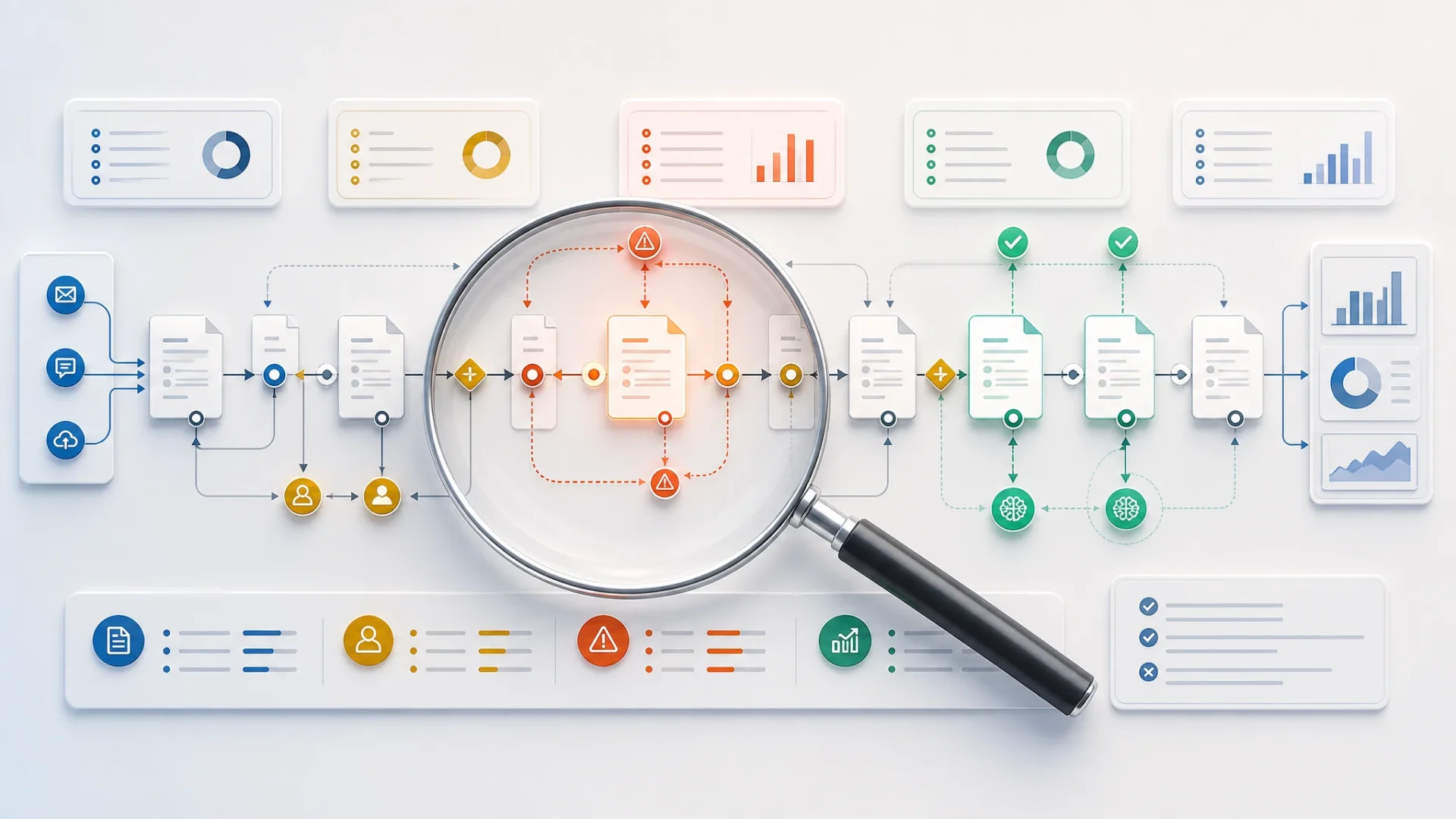
Most workflows hide their problems in the spaces between people, tools, and decisions. The review looks at the path the work travels, from raw input to final output.
Source material, requests, data, briefs, transcripts, notes, forms, or ideas.
collectPeople, tools, approvals, waiting points, and unclear ownership.
traceJudgment calls, repeated choices, quality standards, and risk points.
inspectDocuments, pages, reports, emails, lessons, summaries, or client deliverables.
evaluateThe people who read, use, trust, approve, learn from, or act on the output.
fitReview focus areas
Choose one workflow where improvement would matter.
A focused review is usually better than a vague review of everything. We choose one workflow or one connected set of tasks and study it closely.
Content and publishing
Articles, newsletters, scripts, podcast materials, social posts, approvals, repurposing, and editorial review.
Sales and proposals
Lead response, discovery notes, offer language, proposals, follow-up emails, and objection handling.
Training production
Lessons, activities, facilitator guides, participant materials, quizzes, assessments, and LMS content.
Client onboarding
Intake forms, welcome materials, expectation-setting, next steps, support content, and follow-up guidance.
Internal documentation
Procedures, checklists, knowledge bases, meeting notes, summaries, handoffs, and team guidance.
Assessment and reporting
Questionnaires, result interpretation, report writing, recommendations, coaching notes, and personalized summaries.
What you receive
A practical review report, not a fog of recommendations.
The deliverable should help you decide what to fix, what to test, what to avoid, and what to build next.
Workflow snapshot
A clear description of how the workflow currently moves from input to output, including the main people, tools, handoffs, and decision points.
Bottleneck and rework list
A practical list of places where work slows down, gets repeated, waits for approval, loses context, or creates unnecessary friction.
AI opportunity map
A ranked set of AI-supported improvements, including where AI can draft, summarize, compare, transform, classify, personalize, or support decisions.
Human review and risk warnings
A set of cautions showing where accuracy, privacy, judgment, compliance, tone, brand, or human trust should not be delegated blindly to AI.
The audit scorecard
The goal is to separate good AI opportunities from shiny distractions.
Not every task should be automated. Not every delay is an AI problem. The scorecard helps sort opportunities by business value and human risk.
Sample scoring categories
The actual scorecard is customized to the workflow being reviewed.
Human-centered review layer
The workflow does not end when the document is finished.
The final output has to land with a person. A workflow may look efficient on paper but still fail if the result confuses the customer, overwhelms the learner, irritates the reviewer, or misses the decision-maker’s real concern.
Meaning
Does the output preserve trust, connection, and the human purpose of the work?
Structure
Does the output give people a clear path, sequence, expectation, or next step?
Reason
Does the output contain enough logic, evidence, accuracy, and competence?
Action
Does the output help someone decide, respond, try, buy, learn, or move?
How the review works
A focused diagnostic process.
Select the workflow.
We choose the process to review, such as publishing, onboarding, proposals, training production, documentation, or reporting.
Gather examples.
You provide source materials, sample outputs, process notes, tools used, current templates, and pain points.
Trace the current process.
I review the inputs, handoffs, decisions, repeated steps, review points, bottlenecks, and output quality.
Identify AI opportunities.
I identify which tasks are good AI candidates, which need better structure first, and which should remain human-led.
Recommend changes.
You receive fast wins, workflow redesign ideas, review safeguards, and possible pilot projects.
Choose the next move.
The next step may be team training, a pilot workflow, a project buildout, a prompt library, an AI playbook, or ongoing support.
Fit
This review is probably right for you if...
Good fit
You have a workflow that is slow, inconsistent, repetitive, or hard to scale.
You suspect AI can help but do not know where it belongs or how to use it safely.
You need a clearer process before investing in training, automation, or custom project work.
You want practical recommendations that account for both business efficiency and human response.
Not the best fit
You want a broad AI overview instead of a focused review of a real workflow.
You are not willing to provide examples, process details, current materials, or honest friction points.
You want AI to remove all human judgment from work that still needs review, care, or accountability.
You already know exactly what needs to be built and only need implementation help.
Common questions
Before we review a workflow
How is this different from an AI Strategy Session?
A Strategy Session helps you decide where to start with AI. A Workflow Review studies a specific process in more detail and identifies bottlenecks, AI opportunities, risks, and recommended changes.
Do you need access to our systems?
Not always. In many cases, sample materials, screenshots, process descriptions, templates, and examples are enough. If access is needed, we can discuss the safest and most limited way to provide it.
Can the review cover more than one workflow?
It can, but a focused review is usually more useful. If several workflows need review, we can prioritize one first or scope a larger engagement.
Will you build the improved workflow afterward?
The review can stand alone, or it can lead to implementation project work. After the review, we can decide whether you want to build internally, build with me, or have me help create the needed assets.
Can this help if my team is already using AI?
Yes. In fact, that is often a strong reason to review the workflow. The review can identify inconsistent use, missing review steps, risky shortcuts, and places where a shared process would improve quality.
What is the best first step?
Contact me with the workflow you want reviewed, what feels slow or inconsistent, and what kind of output the workflow produces. If you are not sure which workflow to review, start with an AI Strategy Session.
Start here
Stop guessing where AI belongs. Review the workflow first.
A good review helps you find the practical leverage points before you train the team, rebuild the process, automate the wrong step, or buy another tool.